
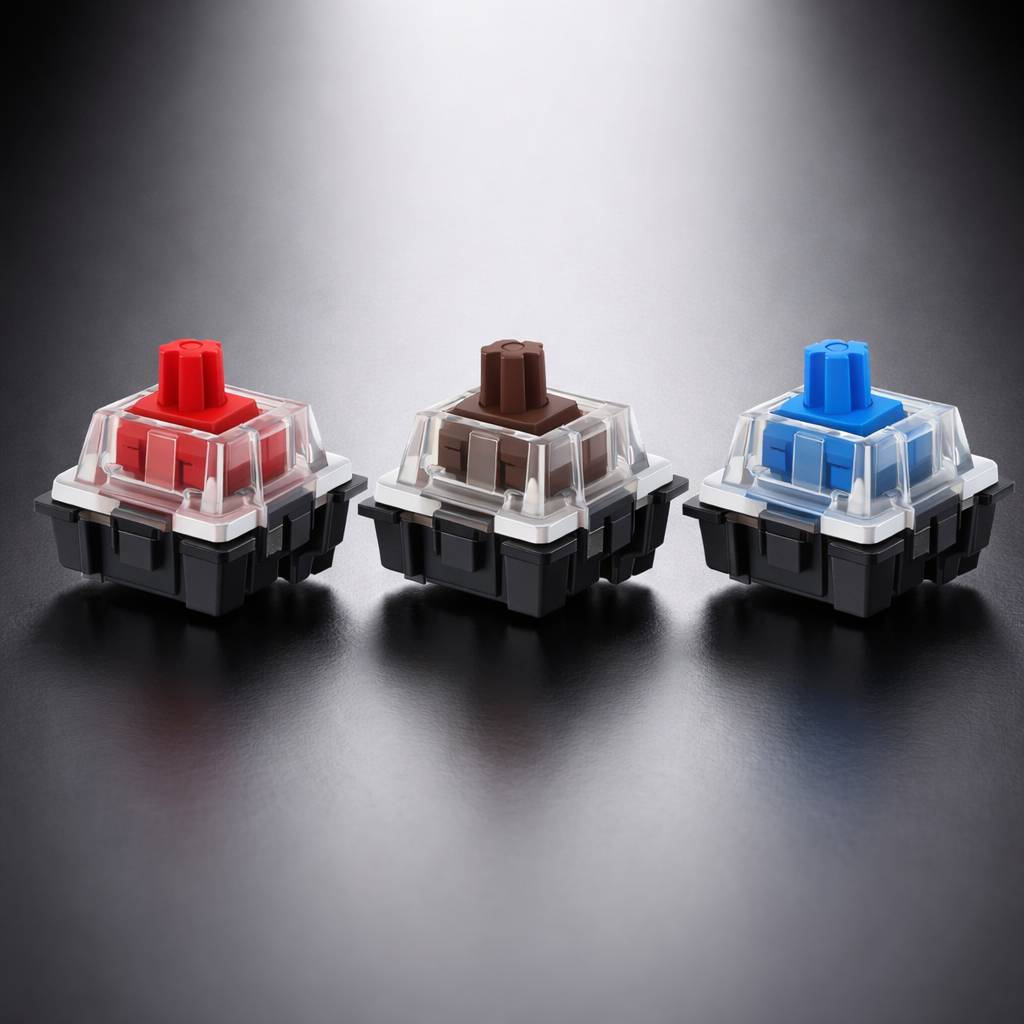
The 3 Main Mechanical Keyboard Switch Types
When you first get into mechanical keyboards, the question you’ll almost always hear is:
“What switch are you using?”
The switch is the heart of a mechanical keyboard. Different switch types directly change your feel, sound, gaming performance, and typing experience.
Today’s switches can almost always be grouped into three major categories:
- Linear Switch
- Tactile Switch
- Clicky Switch
This guide explains the differences in a clear and simple way, so you can quickly find the best one for you.
1. Linear Switch
One-sentence definition: from the moment you press down to bottom-out, there’s no bump and no change in resistance.
If gaming is your main focus, Linear is usually the default answer.
2. Tactile Switch
The core trait: there’s a noticeable tactile bump at the actuation point—without the sharp click sound.
One-line summary: clear feedback without being too loud—the most balanced choice.
3. Clicky Switch
The easiest type to recognize: a strong tactile bump plus a crisp “click”—every press announces itself.
One-line summary: built for feel + sound—the highest “vibe value.”
4. Quick Comparison Table
| Dimension | Linear | Tactile | Clicky |
|---|---|---|---|
| Has a bump? | ❌ No | ✅ Yes | ✅ Yes |
| Noise level | Quiet | Medium | Very loud |
| Smoothness | ⭐⭐⭐⭐⭐ | ⭐⭐⭐ | ⭐⭐ |
| Gaming performance | ⭐⭐⭐⭐⭐ | ⭐⭐⭐ | ⭐⭐ |
| Typing feedback | ⭐⭐ | ⭐⭐⭐ | ⭐⭐⭐⭐⭐ |
| Best environment | Gaming / Night use | Office / Study | Private space |
Which One Should You Choose?
You can match your needs directly:
Final Note
There is no single “best” switch—only the switch that fits you best. The real deciding factors are your usage scenario, habits, and personal preference.
Once you understand the differences between Linear / Tactile / Clicky, you already know more than most mechanical keyboard users.
يشارك:
What is Gasket Mount?
Virtual 7.1 vs Stereo: Which Is Better for FPS Gaming?